Category: How To Guides
“How to check motherboard and graphics card compatibility?” is one of the most common questions in the PC gaming community. Novice users, or those new to PC building, often …
Resetting a graphics card can mean a few different things. It may mean restoring the graphics card driver, clock speeds, profiles, and settings to their defaults, or it may …
Reseating a graphics card is an important troubleshooting step when you experience graphics card or display-related problems. Reseating means completely removing the graphics card from the motherboard’s PCIe x16 …
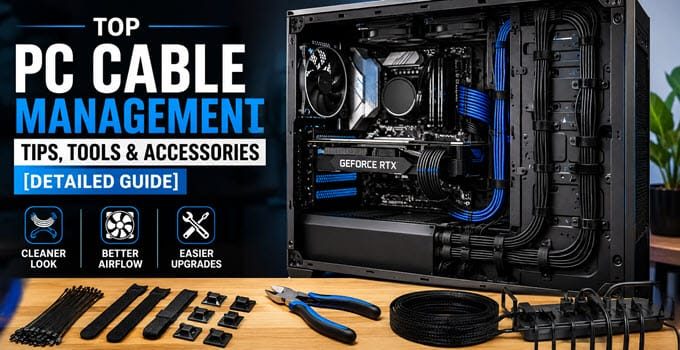
Building a PC is one thing, but building a PC with clean and organized cable management is another. Almost anyone can assemble computer components and get a system running, …
Solid-state drives (SSDs) have become the preferred storage devices for modern computers because they are significantly faster and more reliable than traditional hard drives. Whether you are upgrading an …

![How to Check Motherboard GPU Compatibility [Complete Guide]](https://graphicscardhub.com/wp-content/uploads/2026/09/check-motherboard-gpu-compatibility-680x350.jpg "How to Check Motherboard GPU Compatibility [Complete Guide]")
![How to Reset Graphics Card in Windows 11 & 10 [Full Guide]](https://graphicscardhub.com/wp-content/uploads/2026/08/reset-graphics-card-680x350.jpg "How to Reset Graphics Card in Windows 11 & 10 [Full Guide]")
![How to Reseat Graphics Card [Step-by-Step Guide]](https://graphicscardhub.com/wp-content/uploads/2026/08/how-to-reseat-gpu-680x350.jpg "How to Reseat Graphics Card [Step-by-Step Guide]")
![Fake SSD Detection Guide [Methods to Identify Counterfeit SSDs]](https://graphicscardhub.com/wp-content/uploads/2026/07/how-to-detect-fake-ssd-680x350.jpg "Fake SSD Detection Guide [Methods to Identify Counterfeit SSDs]")